
A destination wedding asks a lot of your guests. They book flights and hotels, take time off, pack for a climate they may not know and cross a time zone or two. In return they want one thing from you: clear information, early, in one place.
Without it, the same questions arrive in every chat you have. What time is the ceremony? Is there a shuttle? What do I wear on sand? A good destination wedding website answers them before anyone asks.
Send the invitation early
Guests travelling from abroad need more notice than guests round the corner. Send a save-the-date nine to twelve months ahead, and the full invitation with the RSVP four to six months before the day. That gives people time to answer before they book, and gives you real numbers for the venue and the hotel.
A digital invitation is ideal here. There is no post to wait for, it opens on any phone in any country, and when a detail changes, everyone sees the new version through the same link.
Put the whole weekend in the schedule
A destination wedding is rarely one event. It is often two or three days, and guests need to know which parts they are invited to. Give each part its own place in the schedule, with a time, a place on a map and a dress code:
- welcome drinks the evening before
- the ceremony
- the reception and the party
- a day-after brunch, a beach afternoon or a boat trip
Guests add each one to their calendar with a tap. On MyWedi, Essential lets you split the day into three parts and Story into five, which suits a full weekend.
Answer the travel questions once
Add a short section that covers what guests ask most:
- Getting there. The nearest airport, how long the transfer takes and whether you have arranged transport.
- Where to stay. The hotel or hotels you recommend, any group rate and the date to book by.
- Weather and dress code. Linen and flat shoes for a beach ceremony, a light layer for a windy evening, sun cream for an afternoon outdoors.
- Practical bits. Plug adapters, local currency, whether the venue takes cards, and how to reach someone from the wedding party on the day.
Keep it short and friendly. Guests read it on a phone, often in an airport queue.
An RSVP that does the counting
With guests in several countries, answers by phone and message get lost fast. A wedding RSVP on the invitation collects everything in one place: yes, maybe or no, adults and children, a meal from your menu and any allergies. Guests leave an e-mail or mobile number so you can reach them.
Reminder e-mails go to those who haven’t answered, so you don’t have to chase friends across time zones. When the numbers are in, download a CSV for your planner, the venue or the hotel.
A few tips for guests from abroad:
- Set an RSVP date that comes before the hotel’s booking deadline.
- Ask about allergies and dietary needs, since the menu may be new to many guests.
- If children are welcome, ask how many and how old, so the venue can plan.
Let the families meet before they land
At many destination weddings, two families and two groups of friends meet for the first time. A private feed helps them get to know each other before the trip. Guests post a hello, old photos of the couple or where they are flying in from, and each name carries a role, so everyone knows who the best man or the bride’s aunt is.
It is also where you post last-minute updates, such as a change of shuttle time, and pin them to the top.
Gifts that don’t travel in a suitcase
Few guests want to carry a present on a plane. On Story and Signature, the gifts page lets you share bank details with a copy button, link to shop gift lists or add your own list for guests to reserve from. Nobody sees who chose what.
On the day and after the trip
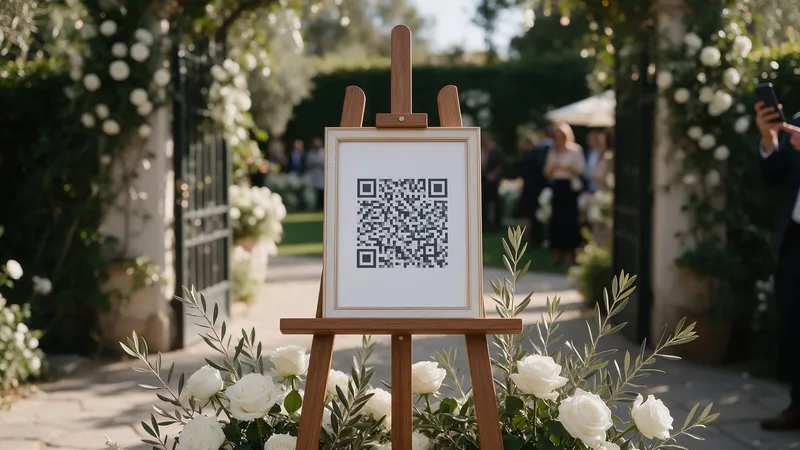
Guests scan the QR code on the tables and share photos and videos in full quality, with no app to install. Relatives who couldn’t make the journey follow the feed from home and leave their wishes in the comments. Many guests upload the rest once they are home and on Wi-Fi, and on MyWedi they can keep adding for 30 days after the day.
When it is all in, download everything and keep the wishbook with every wish your guests wrote.
Ready to plan?
Set up your event and preview it before you pay. Open the demo wedding to see the guest side, read about destination weddings or compare the plans.