
Everything your event needs, from the invitation to the album
An invitation and RSVP before the day, a private feed, stories and QR photo upload during it, and the album, wishbook and downloads afterwards. Here is what MyWedi does and the smallest plan that includes each part.
Digital invitation
A beautiful invitation on every guest’s phone: your cover photo and names, a countdown, the venue on a map, the dress code, the day’s schedule and “Add to calendar”.
Learn more Every planRSVP that does the counting for you
Guests answer yes, maybe or no, add adults and children, pick a meal and note allergies. You get the totals, reminder e-mails and a CSV for the venue.
Learn more Every planA private social feed for your event
Guests post photos, videos and words, react with emojis and comment, all in one private feed split into the parts of your day. Only your guests can see it.
Learn more Every planStories for the moments in between
A quick photo or video in the circles at the top of the feed, there for a day. Perfect for the getting-ready, the drive and the moments that don’t need to stay.
Learn more Every planQR code photo and video upload
Guests scan a QR code and send photos and videos in full quality, iPhone HEIC and long videos included. No app, no sign-up. Everything lands in one album.
Learn more Story and SignatureLive photo wall
Show your guests’ photos and videos on the venue screen or a projector as they arrive. People see their own photo come up, and they take more.
Learn more Every planSong requests with votes
Guests suggest the songs they want to dance to and vote for each other’s picks. The DJ gets one tidy list, sorted by what the room wants most.
Learn more Story and SignatureGifts, made simple
Share your bank details with a copy button, link to shop gift lists or let guests reserve gifts from your own list. Nobody sees who chose what.
Learn more Story and SignatureQuiz and polls for the party
Open a quiz or a poll during the party, close it when you are ready and show the leaderboard. Guests play from their phones, no app needed.
Learn more Story and SignatureWishbook to keep or print
Every written and voice wish from your guests, gathered in one PDF. Keep it, share it with the family or print it as a guestbook.
Learn more SignatureVoice wishes
Guests record a spoken wish straight from their phone. Hear a grandmother’s blessing or a best friend’s toast again, years later, in their own voice.
Learn more Every planPhoto challenges
Give guests fun missions like “a selfie with the bride” or “three generations in one photo”. They keep shooting all night, and you get the shots you would have missed.
Learn more Story and SignatureEvent frames on photos
Put a frame with your names and date on your guests’ photos. Every picture that leaves the event carries the day with it.
Learn more Every planThemes and design for every occasion
Themes made for weddings, christenings, birthdays and more. Choose a colour, a font and a cover pattern, and your event looks like yours on every guest’s phone.
Learn more Every planPrivacy and moderation
Your event is private, not public. Pin, hide or remove anything from your phone, pause a guest, and let guests report. On Story, approve posts first and add a password.
Learn more SignatureHighlight video of your day
A short video of your event made from the photos and clips your guests shared. Watch the day again in a few minutes, and send it to everyone who was there.
Learn more Every planDownload everything in one ZIP
Every photo and video your guests shared, in full quality, in one ZIP file. iPhone HEIC and long videos included, ready for your computer or your printer.
Learn more Every planCo-hosts and guest roles
Share the running of your event with co-hosts and let your photographer upload. Show each guest’s role under their name: bride, groom, best man, godparent, family.
Learn moreBefore the day
The digital invitation has your cover photo, names, a countdown, the date, the venue with a map, the dress code and the schedule of the day, with "Add to calendar" for guests. RSVP collects yes, maybe or no, adults and children, meal choices from your menu and allergies, and sends reminder e-mails. You get the totals and a CSV for the venue.
On the day
Guests scan a QR code and post to a private feed with text, photos, videos and reactions, split into the parts of the day. Stories show a photo or video in the circles at the top for a day. Each guest can carry a role under their name, such as best man, maid of honour or godparent. Photos and videos upload in full quality, iPhone HEIC and long videos included. Put the live photo wall on the venue screen, take song requests for the DJ, and open a quiz or poll during the party.
After the day
Keep the album and download everything as a ZIP. The wishbook gathers every written and voice wish in a PDF to keep or print. On Signature, a highlight video sums up the day.
Want to see it working? Open the demo wedding and compare the plans.
From QR code to a full album in four steps
- 01
Create your event and invitation
Choose the occasion, add your names, the date, the venue and the schedule of the day, and pick a theme. It takes a few minutes, and you can preview it before you pay. Guests can open it once you choose a plan.
- 02
Share the link or QR code
Send the link in a message or a WhatsApp group, or print the QR code on invitations, table cards or a sign. Guests open it in their browser. No app, no account.
- 03
Guests RSVP, post and add photos
Before the day, guests RSVP with their meal choice. On the day, they post photos, videos and wishes to the private feed, in full quality, and new photos can appear on the live wall.
- 04
Keep everything
After the day, the album stays online for the months of your plan. Download every photo and video as a ZIP and keep the wishbook with every wish as a PDF.
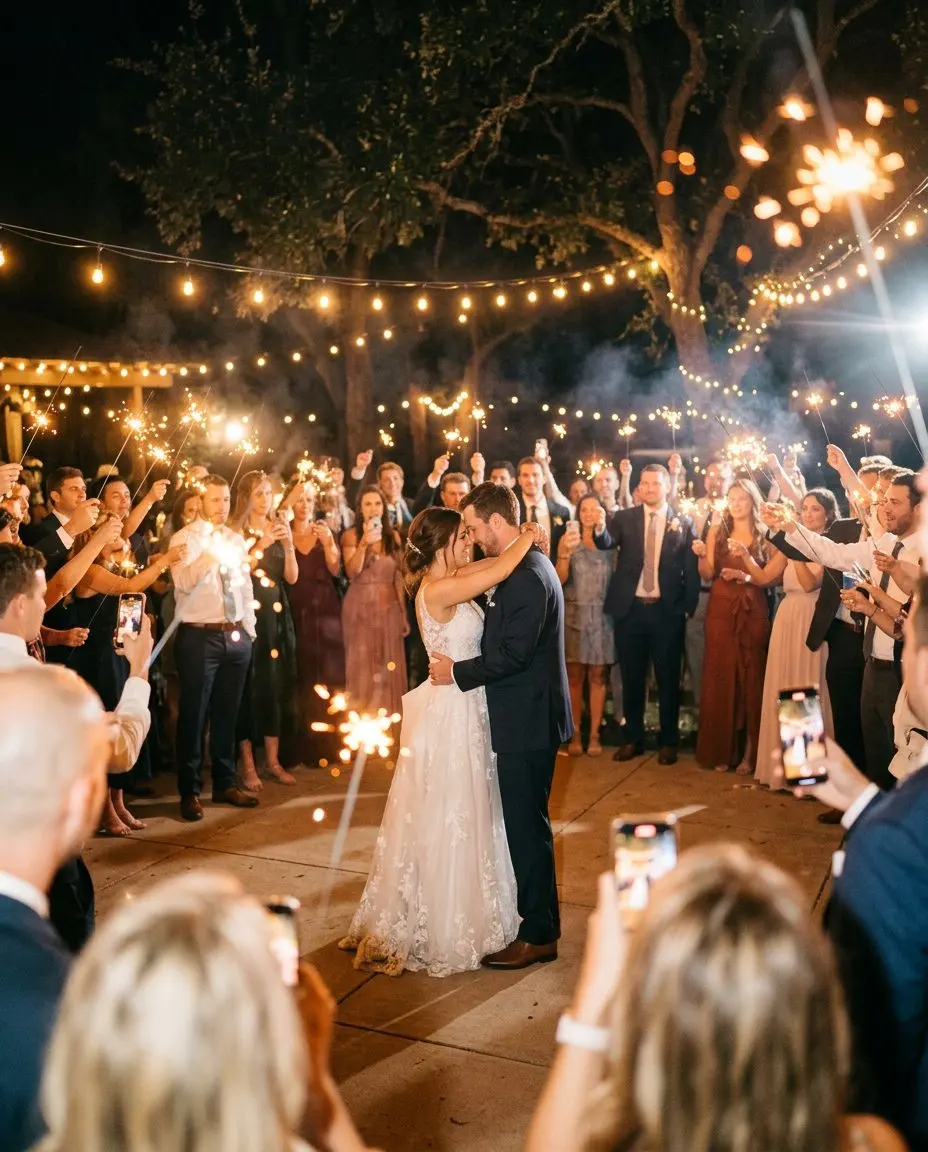
Your day, before, during and after
One page for the invitation, the RSVP, the photos and every wish. Guests need no app, only their name. Set it up in five minutes.
Set it up and preview it first. Pay when you are ready to invite your guests.