



Features · Every plan

Stories for the moments in between

A quick photo or video in the circles at the top of the feed, there for a day. Perfect for the getting-ready, the drive and the moments that don’t need to stay.

Quick moments, at the top of the feed

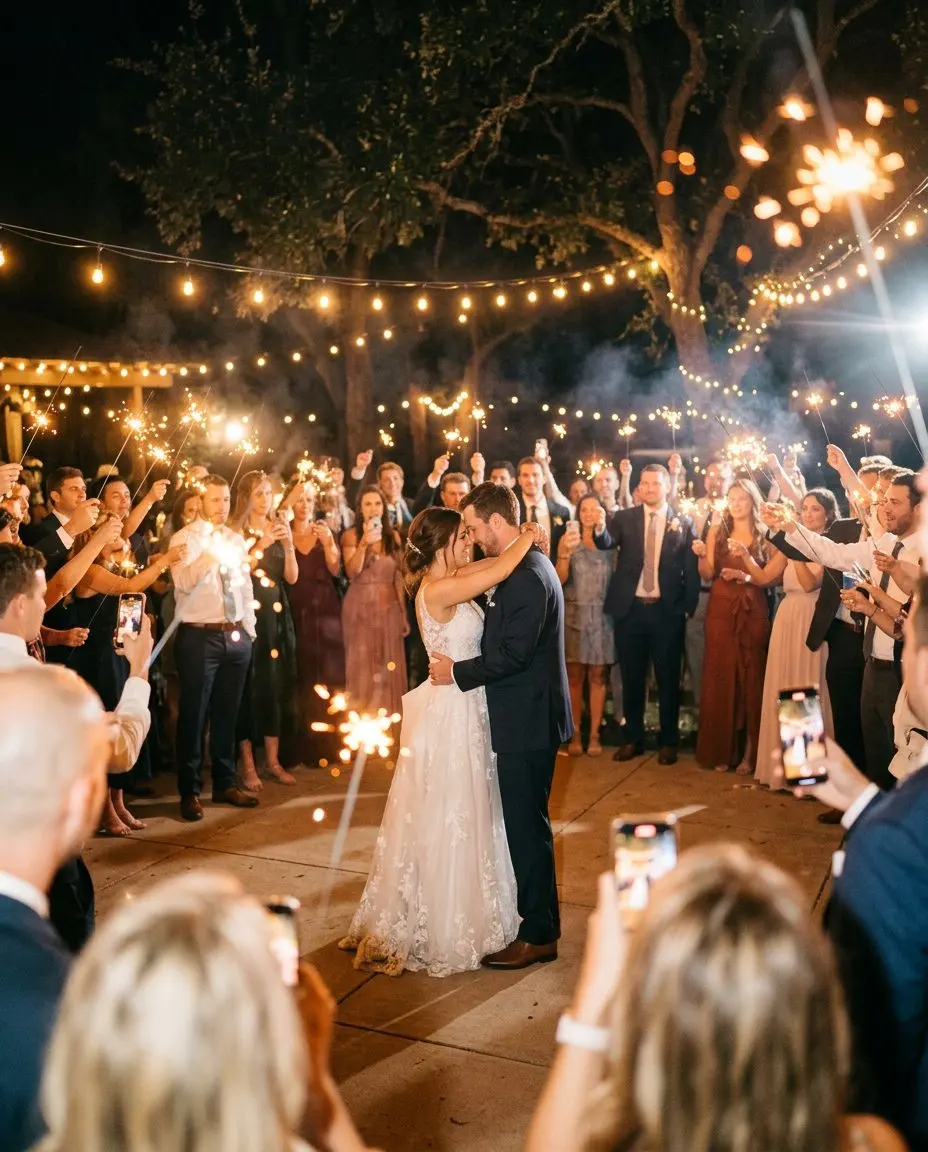
Some moments are for now, not for ever. The bride’s hair being done, the groom’s friends on the way to the ceremony, a sparkler at midnight. Stories let guests and hosts share them in the circles at the top of the feed, just like on the social apps people already know. Each story stays for a day.

Stories are included from the Essential plan.

How guests use them

Guests tap the plus in the stories row, take a photo or a short video or pick one from their camera roll, and share it. Others tap the circles to watch, one after the other. There is nothing new to learn and no app to install.

How hosts use them

  • Share behind-the-scenes moments before the ceremony so guests feel part of the morning.
  • Post a quick “we are on our way” or “dinner is served”.
  • Hide or remove any story from the dashboard, just as with posts in the feed.

Photos and videos that should stay belong in the feed or the album, where they are kept for the whole of your plan’s period and included when you download everything.

Tips

  • Ask the best man to post stories from the groom’s side, and the maid of honour from the bride’s.
  • Use stories for the days before a wedding too, such as the welcome drinks or the rehearsal dinner.
  • Keep the big moments, the vows, the first dance, the cake, for the feed.

See which plan fits on the pricing page.
How it works

From QR code to a full album in four steps

  1. 01

    Create your event and invitation

    Choose the occasion, add your names, the date, the venue and the schedule of the day, and pick a theme. It takes a few minutes, and you can preview it before you pay. Guests can open it once you choose a plan.

  2. 02

    Share the link or QR code

    Send the link in a message or a WhatsApp group, or print the QR code on invitations, table cards or a sign. Guests open it in their browser. No app, no account.

  3. 03

    Guests RSVP, post and add photos

    Before the day, guests RSVP with their meal choice. On the day, they post photos, videos and wishes to the private feed, in full quality, and new photos can appear on the live wall.

  4. 04

    Keep everything

    After the day, the album stays online for the months of your plan. Download every photo and video as a ZIP and keep the wishbook with every wish as a PDF.

See a demo

See it as a guest

Open a real event, the way your guests will. Post, vote, ask for a song. It all resets every night.

Create your event

Your day, before, during and after

One page for the invitation, the RSVP, the photos and every wish. Guests need no app, only their name. Set it up in five minutes.

Set it up and preview it first. Pay when you are ready to invite your guests.