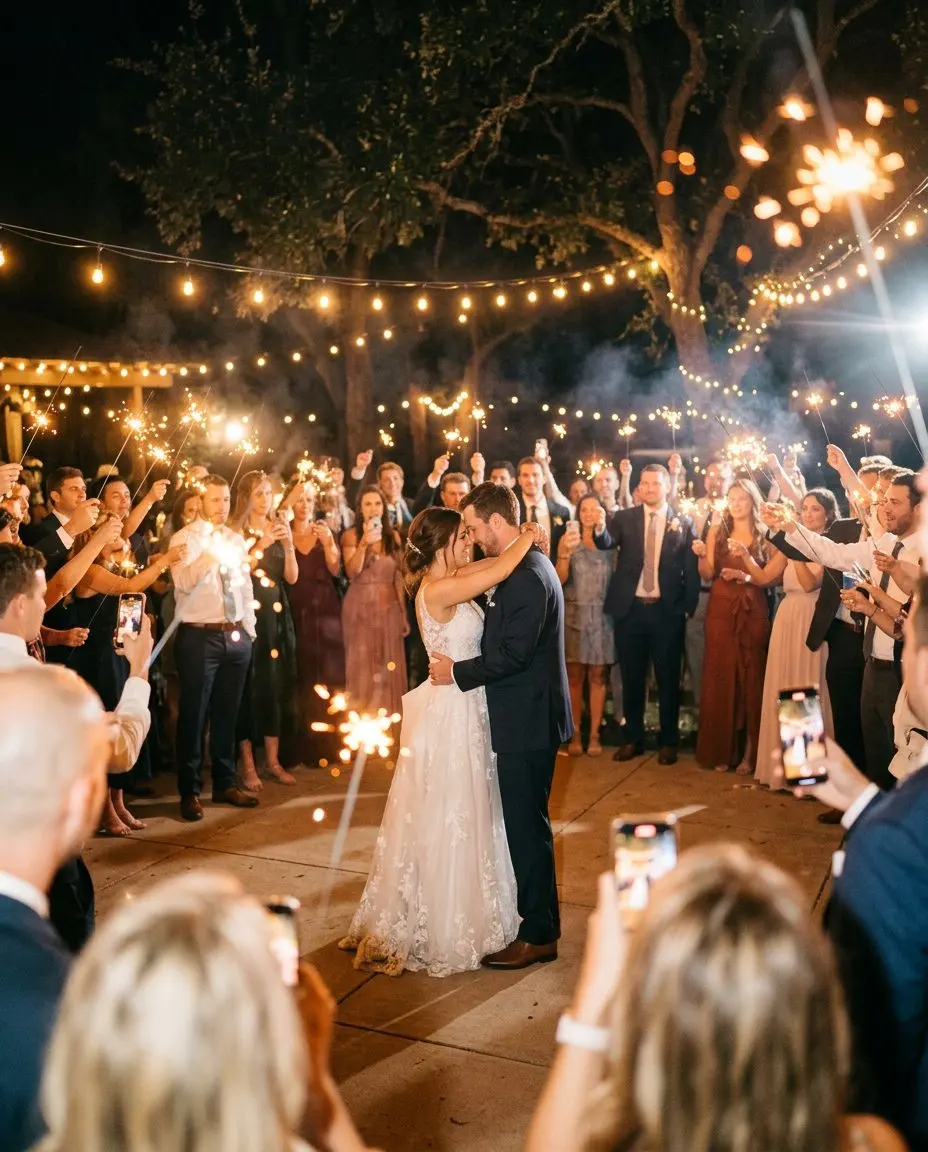
A little signature on every photo
Photos travel. They get sent to aunts abroad, posted, printed and put on fridges. An event frame puts your names and the date on them, in the style of your event, so every photo says where it was taken.
Event frames are included from the Story plan.
How guests use them
Guests share photos as usual through the QR code or the feed. The frame is part of the photo they see and share, so a selfie from table twelve looks like it belongs to your day.
How hosts use them
Choose a frame in the hosts’ dashboard and set the text, such as your names and the date, or the name of the company event. The frame follows your theme, so the colours and the font match the rest of your event.
Your original photos stay safe without a frame. When you download everything, you get the full-quality files.
When frames work best
- Weddings: names and date in your wedding colours, for the photos guests share with family.
- Christenings: the child’s name and the date, a sweet keepsake for godparents and grandparents.
- Corporate events: the event name, so photos shared by the team carry it.
- Birthdays and anniversaries: the age or the number of years, with the date.
Tips
- Keep the text short. Names and a date read better than a sentence.
- Pick a frame that leaves room for faces. Thin borders suit group photos.
- Look at a few test photos on your phone before the day.
See what Story includes on the pricing page.