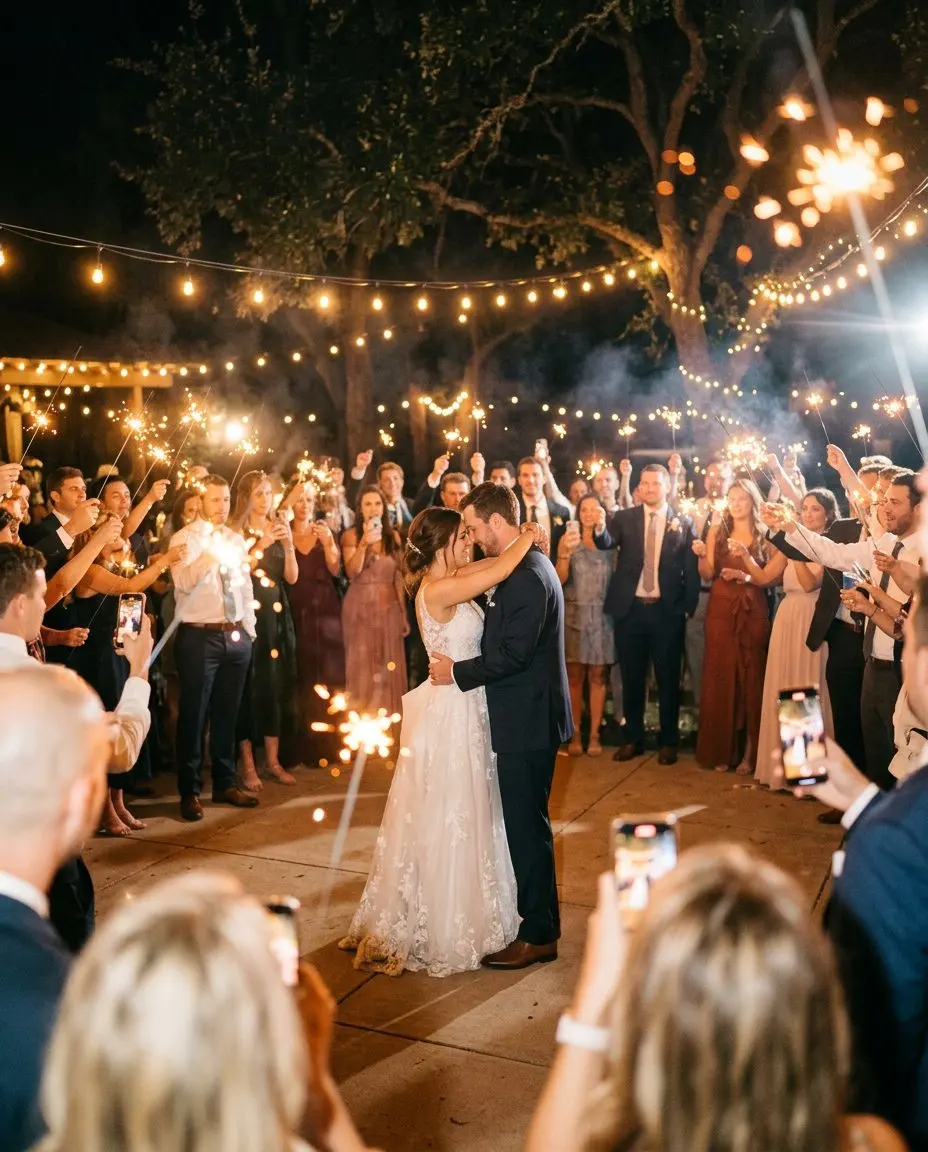
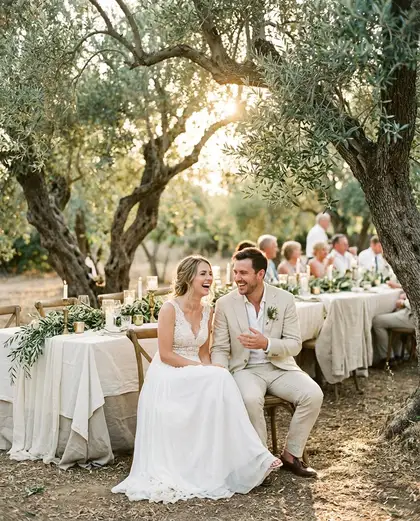
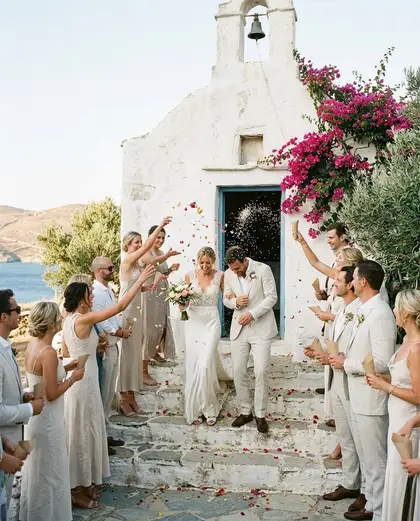
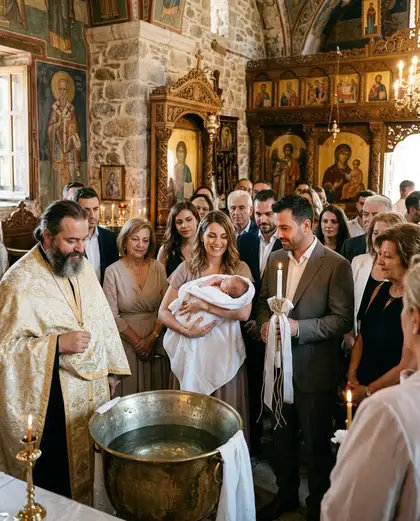
An event that looks like your day
Your invitations, flowers and table settings were chosen with care. What guests see on their phones should match them. MyWedi has themes for each occasion, a wedding, a christening, a birthday, a corporate evening, and you make one your own in a few taps, without any design skills.
Themes are included in every plan.
What you can choose
- Colour for buttons, headings and highlights.
- Font for your names and titles, from elegant to playful. They include accented and Cyrillic letters, so names look right in many languages.
- Cover pattern behind your invitation, alongside your own cover photo.
The theme carries through the invitation, the feed and, on Story, the event frames.
How guests see it
Guests see your colours and your names from the first tap, wherever they open the link. It feels like your event, not like an app.
How hosts use it
Pick a theme for your occasion in the hosts’ dashboard and adjust it. Every change shows in a preview, and you can change it again at any time, even during the event. On Signature, MyWedi branding is removed from your event too. See pricing.
Tips
- Match the colour to your paper invitations or your wedding monogram.
- For a christening, a soft colour and a photo of the baby on the cover work beautifully.
- Choose a font that reads well on a small screen. Your guests’ grandparents will thank you.
- Open the demo wedding on your phone to see a finished theme as guests see it.