
Features · Every plan

Photo challenges

Give guests fun missions like “a selfie with the bride” or “three generations in one photo”. They keep shooting all night, and you get the shots you would have missed.

Turn guests into your photographers

Most guests take a few photos and then put the phone away. Photo challenges give them a reason to keep going. You set a short list of small missions, and guests try to complete them during the event.

Photo challenges are included from the Essential plan.

How guests take part

Guests see the challenges in your event. When they take a photo for one, they send it for that challenge, and it goes into the album like any other photo. It is light, it is funny, and it gets people who don’t know each other talking.

How hosts use them

Write your own challenges in the hosts’ dashboard. Open all the photos for a challenge in one place and you have lovely little collections: every selfie with the groom, every photo of the cake, every candidate for best dressed.

On Story the photos also come up on the live photo wall, which sends more guests off to try.

Ideas

Weddings

  • A selfie with the bride, and one with the groom
  • The best move on the dance floor
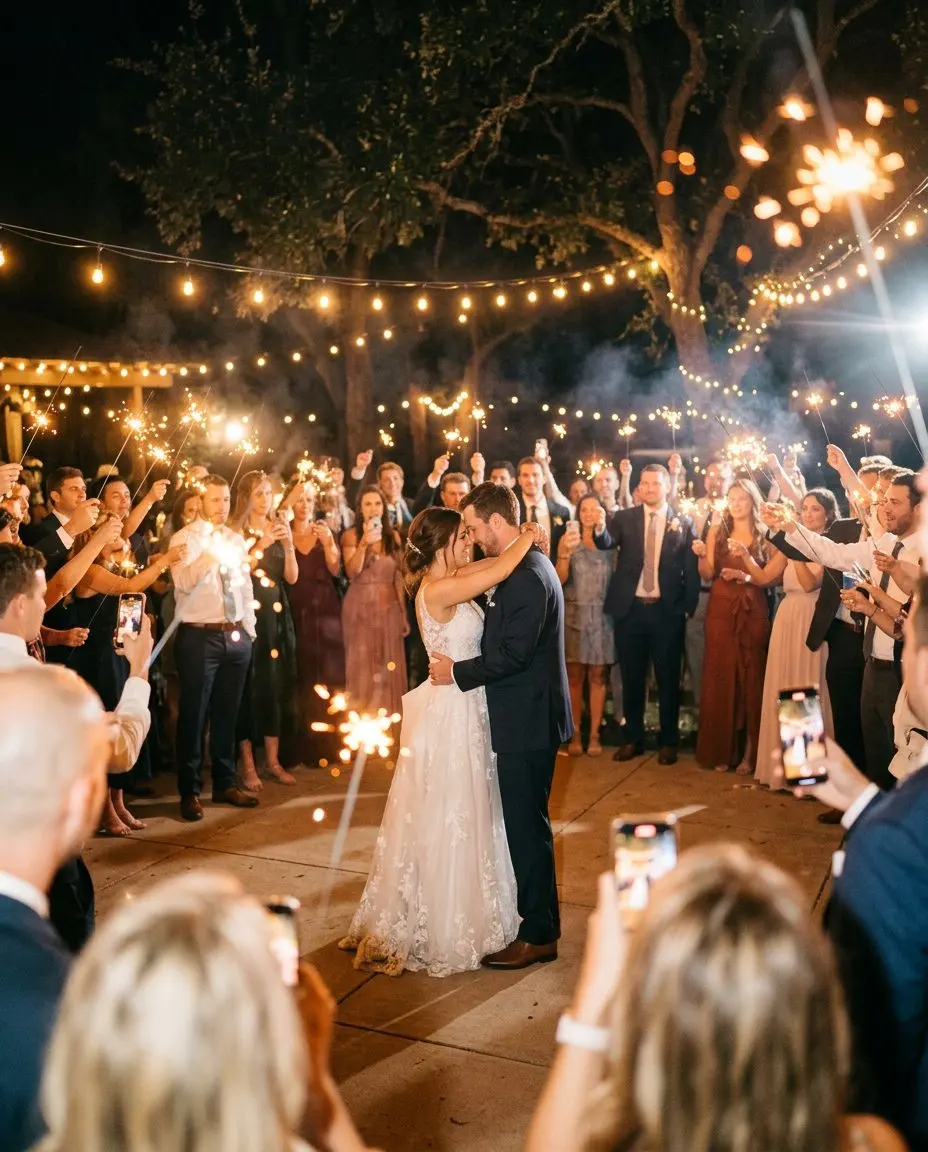
  • The first dance, seen from your table
  • Three generations in one photo

Christenings

  • The godparent holding the baby
  • The prettiest detail of the decoration
  • A photo with the little one’s grandparents

Corporate events and parties

  • Your whole team in one photo
  • The best dancer of the night

Tips

  • Keep challenges short so guests can read them at a glance.
  • Mix easy ones with a couple of harder ones.
  • Write them in the language most of your guests speak.
  • Put the QR code on every table and announce the challenges early.

Compare plans on the pricing page.
How it works

From QR code to a full album in four steps

  1. 01

    Create your event and invitation

    Choose the occasion, add your names, the date, the venue and the schedule of the day, and pick a theme. It takes a few minutes, and you can preview it before you pay. Guests can open it once you choose a plan.

  2. 02

    Share the link or QR code

    Send the link in a message or a WhatsApp group, or print the QR code on invitations, table cards or a sign. Guests open it in their browser. No app, no account.

  3. 03

    Guests RSVP, post and add photos

    Before the day, guests RSVP with their meal choice. On the day, they post photos, videos and wishes to the private feed, in full quality, and new photos can appear on the live wall.

  4. 04

    Keep everything

    After the day, the album stays online for the months of your plan. Download every photo and video as a ZIP and keep the wishbook with every wish as a PDF.

See a demo

See it as a guest

Open a real event, the way your guests will. Post, vote, ask for a song. It all resets every night.

Create your event

Your day, before, during and after

One page for the invitation, the RSVP, the photos and every wish. Guests need no app, only their name. Set it up in five minutes.

Set it up and preview it first. Pay when you are ready to invite your guests.