
Questions and answers
Everything hosts and guests usually ask us, about the invitation, RSVP, photos, plans and privacy. Can’t find your answer? Write to us and a real person will reply.
General
What is MyWedi?
MyWedi is your event’s own private space. Before the day it is a digital invitation with RSVP. On the day guests post photos, videos and wishes to a private feed by scanning a QR code. Afterwards you keep the album and the wishbook. Guests need no app. MyWedi is made by TKOCY LTD, a small European company.
What kind of events is it for?
Weddings, christenings, engagements, birthdays, baby showers, gender reveals, parties and corporate events. Each occasion comes with its own wording, guest roles and themes, and you can change them. See ideas for each occasion.
Can I see what it looks like before I sign up?
Yes. Open the demo wedding. It shows the invitation, the feed, stories and the album as your guests would see them. No sign-up needed.
What is the private feed?
It is a social feed only for your guests. They post text, photos, videos and wishes, react with emoji and comment. Posts are grouped by the parts of the day, such as the ceremony, the reception and the party. Stories show a photo or video in the circles at the top for a day, and everything stays in the album afterwards.
How do I get help?
Call us on +357 25 253190 or e-mail [email protected].
For guests
Do guests need to install an app or create an account?
No. Guests scan the QR code with their phone camera or tap your link, and your event opens in their browser. They type their name once and the phone remembers them. There is no app to install, no account and no password to remember, unless you set one for the album.
How do guests RSVP?
From the invitation. Guests answer yes, maybe or no, say how many adults and children are coming, choose a meal from your menu, note any allergies and leave an e-mail or mobile number. RSVP is included from Essential up.
Does it work on iPhone and Android?
Yes, on any modern smartphone. Photos and videos upload in full quality, including iPhone HEIC photos and long videos, as well as ordinary files from Android phones. Guests don’t need to change any settings.
What if the venue’s Wi-Fi or signal is weak?
MyWedi uploads large files in parts. If the connection drops, the upload continues from where it stopped once the phone is back online. If your venue has guest Wi-Fi, print the network name next to your QR code to make uploads faster.
Which languages do the guest pages speak?
Guest pages open in English, and each guest can switch to another supported language, Russian included. The hosts’ dashboard is in English.
Can guests see and save the photos?
Yes. By default guests can browse the feed and the album, react to their favourites and save photos to their phones. On Story and Signature you can turn guests’ downloads off and protect the album with a password.
Can guests delete their own posts or report something?
Yes. Guests can delete anything they posted themselves, and report any post or comment. Reports go to the hosts, and anything abusive also reaches us.
For hosts
What goes on the digital invitation?
A cover photo, your names, a countdown, the date, the venue with a map, the dress code and the schedule of the day, such as the ceremony, the reception and the party. Guests can add the day to their calendar. If something changes, edit it and everyone sees the new version through the same link.
How do I follow the RSVPs?
Your dashboard shows who is coming, the number of adults and children, meal choices and allergies. MyWedi sends reminder e-mails to your guests, and you can download a CSV for the venue or the caterer.
What are guest roles?
A short label under a guest’s name, such as bride, groom, best man, maid of honour, godparent, parents or the bride’s family. Each occasion comes with its own roles, and you can add your own. Guests then know who is who in the feed.
What do I need for the live photo wall?
A screen. Open your event’s wall link in a browser on a smart TV, or on a laptop connected to a TV or projector, and go full screen. It also needs an internet connection at the venue. New photos appear as guests post them. The live wall is included in Story and Signature. Test it at the venue before the guests arrive.
Can I control what appears in the feed?
Yes. On every plan you can pin, hide or remove any post, and pause a guest who shouldn’t post any more. On Story and Signature you can also approve every post before it appears in the feed or on the wall.
Can someone help me manage the event?
Yes. Invite co-hosts by e-mail, such as your partner, a parent or your planner. They sign in with their own account. Essential includes 1 co-host, Story 2 and Signature as many as you like.
How do I share the QR code?
Download the code for your invitations, table cards, menus or a welcome sign, or send the link in a message or a WhatsApp group. The same link opens the invitation before the day and the feed on the day.
Can our photographer add their photos too?
Yes. Give your photographer their own upload access and their photos land in the same album, in full quality, next to your guests’ ones. MyWedi doesn’t replace a professional photographer. It adds every angle your guests saw.
How do song requests, quizzes and polls work?
Guests suggest songs and vote for each other’s, and you get a list for the DJ. Song requests are included from Essential. On Story and Signature you can also open a quiz or a poll during the party, close it when you like and show the leaderboard.
Can I share gift details?
Yes, on Story and Signature. Add your bank details with a copy button, link to shop gift lists, or make a gift list guests reserve from. Nobody sees who reserved what.
What is the wishbook?
Every written wish your guests leave, gathered in one PDF to keep or print. It is included in Story and Signature. On Signature guests can also record voice wishes, and the highlight video sums up the day.
How long can guests keep adding photos?
Guests can post before the day, and they can keep adding photos for 30 days after it, on every plan. Your event stays online for the months you chose: 3 months, or 6 or 12 if you extend it.
Packages and payment
How much does MyWedi cost?
A wedding is €99 on Essential, €149 on Story and €219 on Signature. A christening is €79, €99 or €169. Engagements, parties and corporate events are €89, €149 or €219. Birthdays are €59 and gender reveals or baby showers €49, both on Essential. You can set up and preview your event before you pay, and guests can open it once you choose a plan. See all prices.
Is VAT included?
Yes. The prices you see include VAT, and your invoice shows it. There are no extra charges at checkout.
Is it a subscription?
No. You pay once per event. Nothing renews and you are never charged again unless you choose to extend your event.
How long does my event stay online?
Every plan includes 3 months online. Choose 6 months for €30 more or 12 months for €60 more, at checkout or later. Your event never goes offline sooner than 30 days after the day.
Do I have to pay before I set up my event?
No. Sign up and set up your event, with the invitation, the schedule and the design, without paying, and preview it as your guests will see it. Guests can open the event only once you pay for a plan. Want to try MyWedi first? Open the demo wedding and look around as a guest.
Are there limits on guests and uploads?
Each photo, video or post a guest adds is one upload. Essential includes 1,500, Story 5,000 and Signature has no limit. Guests are counted per occasion: for a wedding, up to 150 on Essential, 500 on Story and 1,500 on Signature. If you reach a limit, upgrade and carry on.
Can I upgrade to a bigger plan later?
Yes. Upgrade at any time, before or during your event, and you pay only the difference between the plans. Everything already in your event stays.
How can I pay, and do I get an invoice?
Pay by card, PayPal or bank transfer. Every payment comes with an invoice from TKOCY LTD that shows the VAT, which is useful for companies.
What if I need to cancel or ask for a refund?
Write to us at [email protected] and we will look at it with you. When you can cancel and get your money back is explained in our refunds and cancellations policy.
Privacy
Who can see my event?
Only people who have your link or QR code. Your event is not listed anywhere on MyWedi, and search engines are asked not to index it. On Story and Signature you can add a password and approve every post before it appears.
What happens to our photos when the plan ends?
We e-mail you before your event’s time online ends, so you can download everything or extend it. After that the event’s photos, videos and data are deleted from our servers. Download what you want to keep in time.
A photo of me was posted. Can it be removed?
Yes. Ask the hosts, who can remove any post in a tap, or report the post from the feed. You can also write to us at [email protected] and we will remove content on request.
Where are the photos stored, and is location data removed?
Photos and videos are stored in the European Union. GPS location data is removed from the photos guests see and download. Hosts can also turn on two-step sign-in for their account.
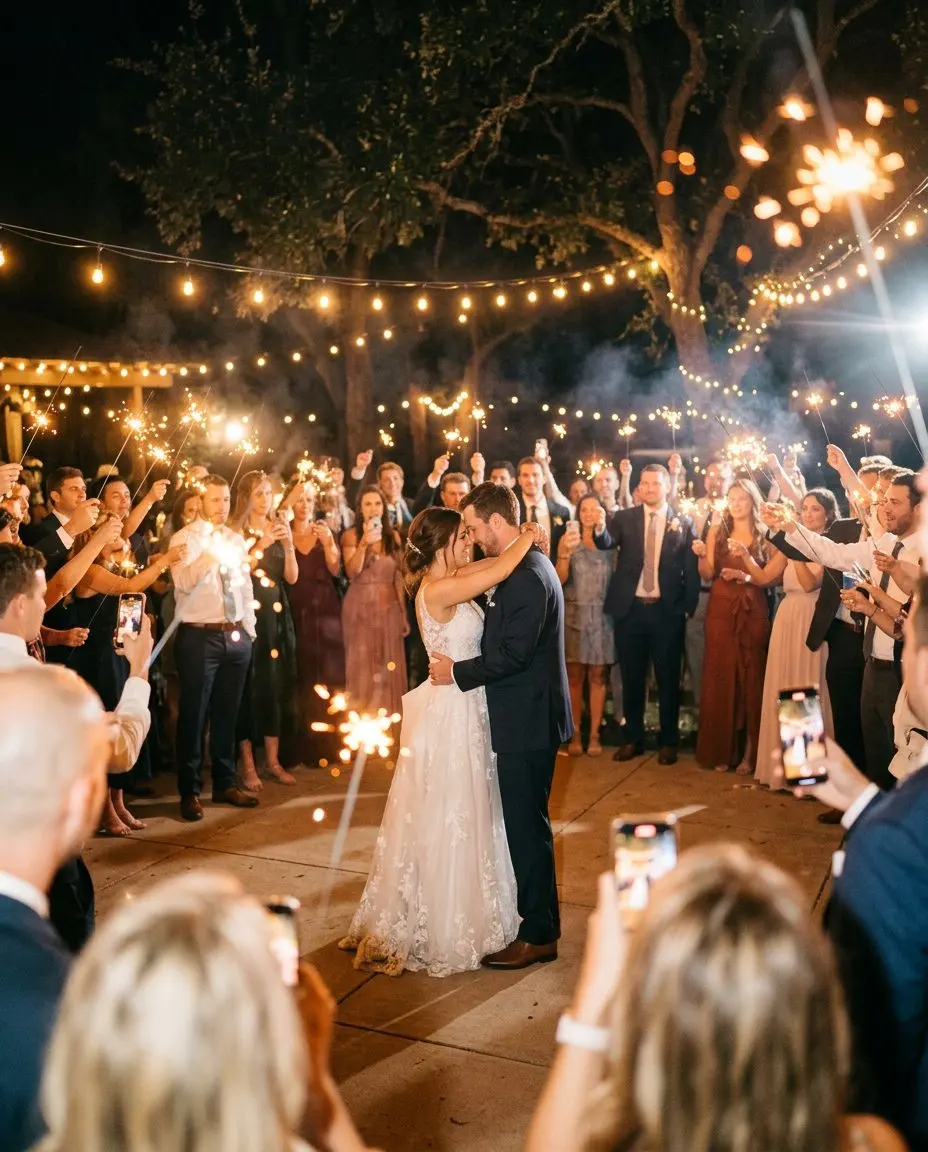
Your day, before, during and after
One page for the invitation, the RSVP, the photos and every wish. Guests need no app, only their name. Set it up in five minutes.
Set it up and preview it first. Pay when you are ready to invite your guests.