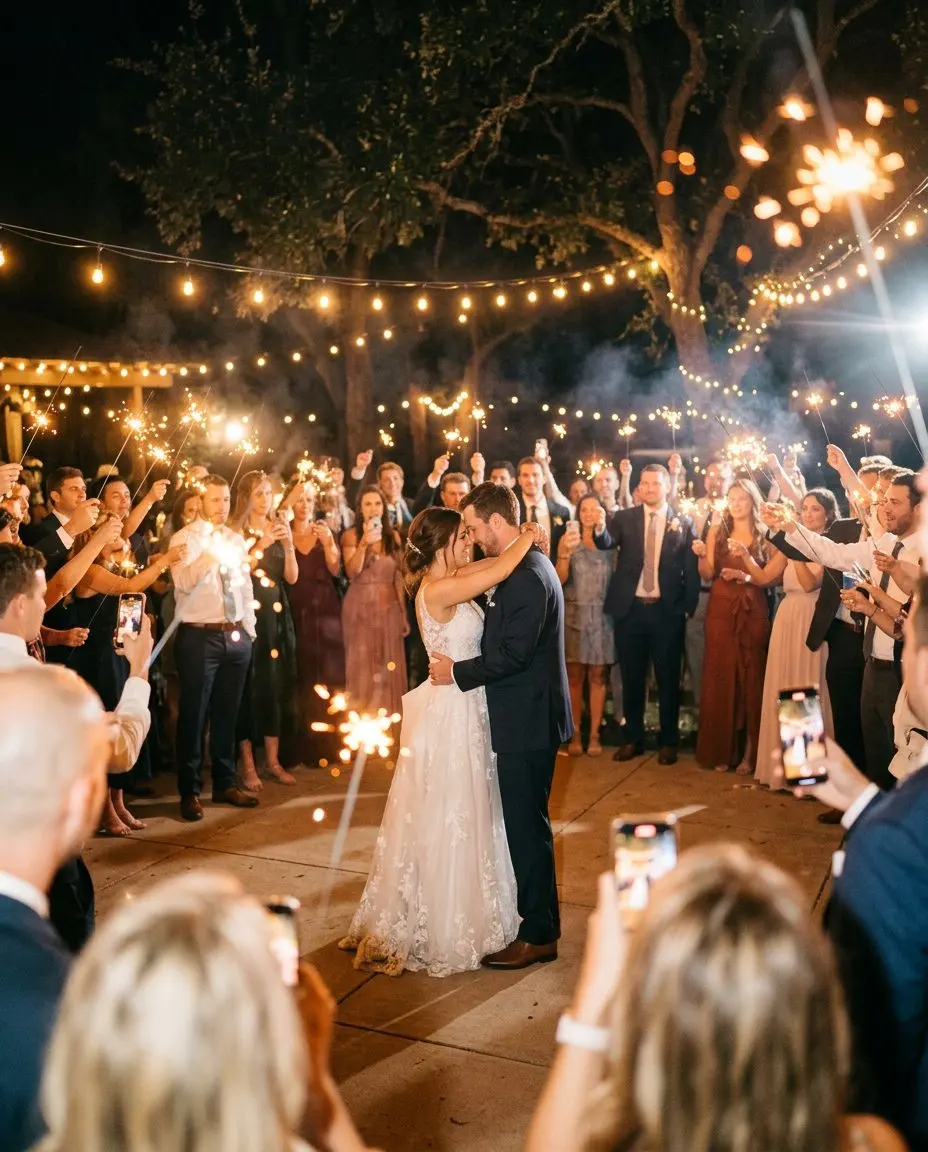





The party, on the big screen
The live photo wall turns the venue screen, a TV or a projector into a slideshow of your event as it happens. Open the wall link in a browser, go full screen, and the photos your guests share appear on it as they come in. People see their own photo come up, they laugh, they call their friends over, and they take more.
The live photo wall is included from the Story plan.
How guests use it
Guests do nothing new. They keep sharing through the QR code or the feed, and their photos and videos turn up on the screen. It is often what gets the quieter tables to join in.
How hosts use it
- Open the wall on any screen with a browser, from a smart TV to a laptop connected to a projector.
- Something you would rather not show? Hide it from your phone and it leaves the screen.
- Turn on approval first, also on Story, so nothing reaches the wall before you or a co-host have seen it. See privacy and moderation.
Setting it up at the venue
- Test the wall at the venue before the guests arrive, on the venue’s Wi-Fi or a phone hotspot.
- Outdoors, the wall looks best after sunset. A projector needs a dark area, a TV copes with evening light.
- Place the screen where people gather, near the bar or the dance floor, not behind the head table.
- Ask a co-host to keep an eye on it, so you never have to look at your phone.
Compare plans on the pricing page.